Clear All Chat History
The "Clear All Chat History" function allows you to delete all chat records, including text messages, images, videos, files, and other media content. This operation is irreversible, so please confirm before proceeding.
Operation Process
- Enter "My" - "Settings" - "Storage Space";
- Click "Clear All Chat History";
- The system will prompt you to confirm the operation. After confirmation, all chat history will be permanently deleted.
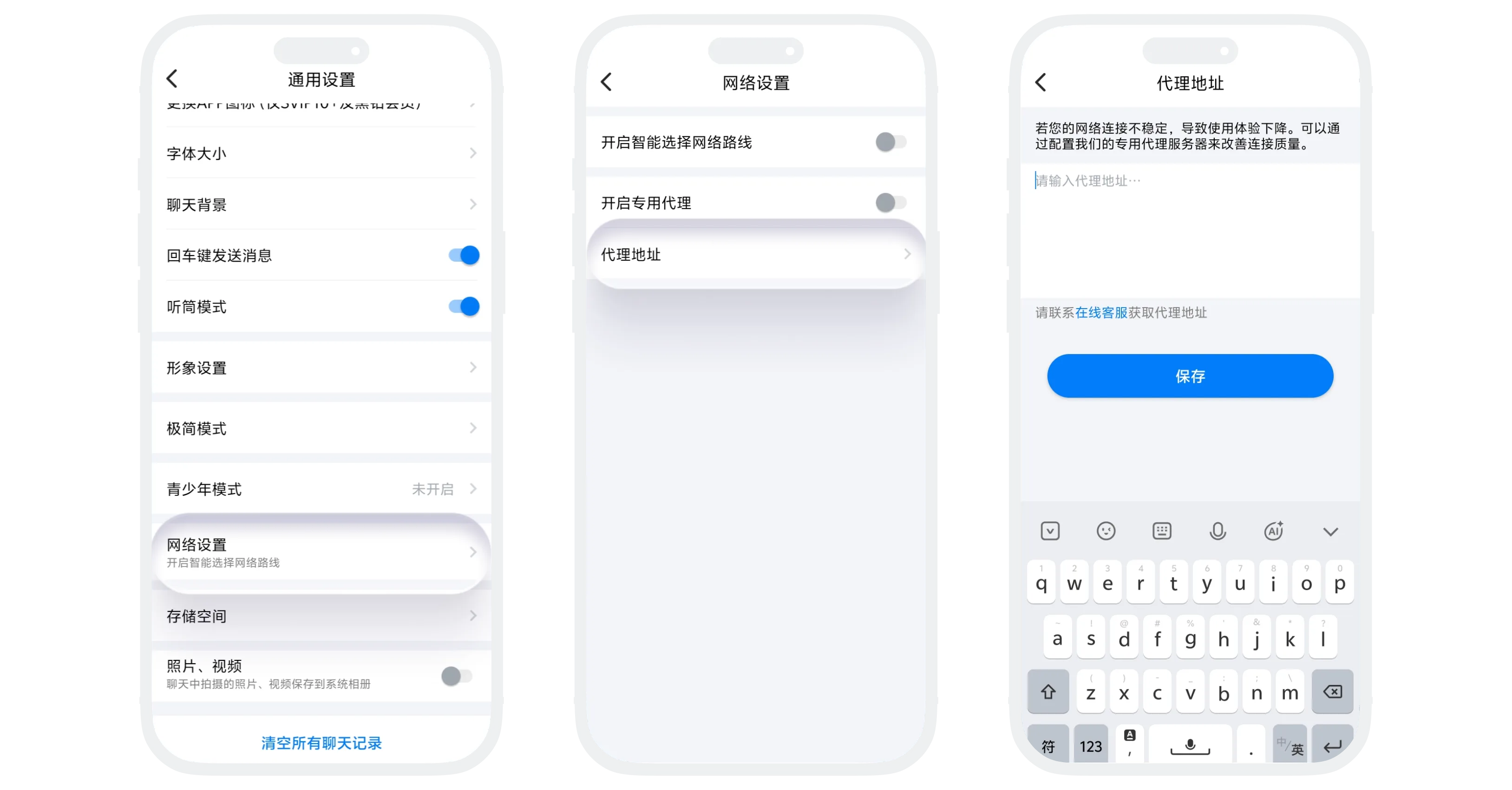

This operation cannot be undone. Once cleared, all chat records will be permanently deleted and cannot be recovered. Please ensure you have backed up important information before operating.
Frequently Asked Questions
No. Clearing chat history only deletes local chat records and does not affect your account status, friend relationships, or group memberships.
No. Once chat history is cleared, it cannot be recovered. Please operate with caution.
Yes. Clearing chat history will delete associated media files (images, videos, files, etc.) and effectively free up storage space.